Product visualizer
A web preview needs to become a physical prototype.
Check whether the display mesh is closed and has suitable wall thickness before preparing a printing file.
Format workflow
A gltf to 3mf workflow moves geometry from a format built for displaying 3D scenes toward one used in 3D printing. The format change alone does not make a model printable: inspect its mesh, scale and material handling before slicing.
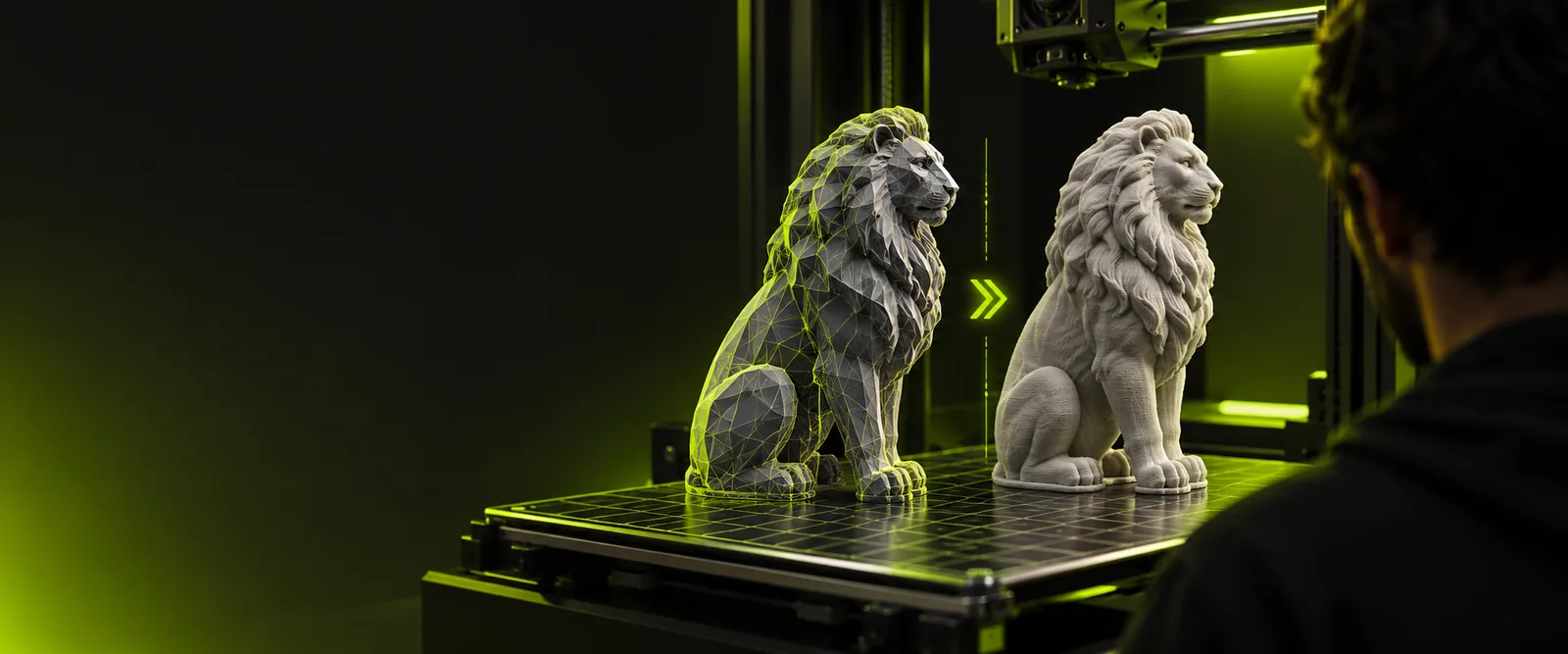
A .gltf file describes a 3D scene and may reference separate mesh, texture and material files. A .3mf file packages manufacturing-oriented model data for compatible printing software.
The reason is usually a change of destination, not an improvement in the mesh. These workflows start with different source material but all end with a model that needs checking in printing software.
A web preview needs to become a physical prototype.
Check whether the display mesh is closed and has suitable wall thickness before preparing a printing file.
A posed character is needed as a static figurine.
Choose a fixed pose, remove scene-only elements and inspect thin details before export.
A downloaded scene contains several objects and textures.
Isolate the intended part and confirm that its dimensions make sense in the slicer.
One model is needed for both a print test and a browser preview.
Keep a separate display copy rather than assuming a printing file preserves the original scene.
Treat the handoff as a model-preparation workflow. Glbto3mf links to a 3D studio, but a direct .gltf-to-.3mf export is not verified here; check its available import and export options before relying on them.
Keep the .gltf file together with any external buffers and textures it references. If files are missing, the scene may open with incomplete geometry or appearance.
Select the object you intend to print, apply its transforms and inspect open edges, overlapping surfaces, loose parts and scale in your 3D application.
If your tools support the required export, open the resulting 3MF in your slicer. Confirm dimensions, orientation and a sensible layer preview before printing.
A .gltf file can point to external assets that are not included with the file itself.
What to do instead
Collect its referenced files before import, then inspect the loaded scene for absent parts.
Changing the container does not seal holes, add thickness or resolve intersecting surfaces.
What to do instead
Repair the selected mesh and review a slicer preview rather than trusting an export dialog.
Display materials and textures do not necessarily map to a printer's material or color settings.
What to do instead
Check the imported 3MF in the destination software and assign printing materials there.
These are format characteristics, not a promise that every application preserves each property during conversion.
| glTF (.gltf) | 3MF (.3mf) | |
|---|---|---|
| Primary use | Efficient delivery of 3D scenes | Exchange of 3D manufacturing models |
| Typical structure | JSON description with potentially external assets | ZIP-based package containing model data |
| Geometry | Meshes within a scene hierarchy | Meshes represented as printable model objects |
| Materials | Rendering-focused material definitions | Manufacturing-oriented material and color resources |
| Animation | Can describe animated scenes | Not a substitute for scene animation |
| Dimension check | Confirm the intended real-world size during preparation | Confirm imported size in the destination slicer |
| Best final check | Inspect the scene and its referenced assets | Inspect the model and slice preview |
Describe the object you want to work on in the linked 3D studio. Before committing to a printing workflow, verify its supported file operations and inspect any exported model in your own slicer.
Open the .gltf scene with its referenced assets in an application that supports it, select and repair the mesh you want to print, then use an available 3MF export workflow. Open the result in a slicer to check dimensions and geometry. The linked studio's direct support for this format pair is not confirmed.
Not necessarily. glTF textures describe how a scene should look when rendered, while printing software may interpret color and materials differently. Inspect the destination file and set printing materials in the slicer if needed.
The .gltf file may reference external buffers or textures that were not moved with it. Check the file's asset references and restore the missing files before preparing a printing model.
No. A successful export can still contain open surfaces, thin walls, disconnected pieces or an unexpected scale. Run mesh checks and review the slicer's layer preview before printing.