Glbto3mf

Use case guide

Practical glb to 3mf examples online

These glb to 3mf examples online show how a model can move from a web-ready asset into a 3MF workflow for review, fabrication, or team handoff. Follow a concrete path instead of guessing which format fits.

Review the result before production
3D model workflow illustration

Common starting points

The scenario's pain

A GLB file is useful for sharing a scene, but many downstream tools expect a more manufacturing-oriented package. These examples connect the format change to a real task.

Product designer

You have a textured GLB mockup from a browser-based review and need a handoff format for a physical concept check.

A 3MF package gives the fabrication workflow a clearer starting point than passing around screenshots or a viewer link.
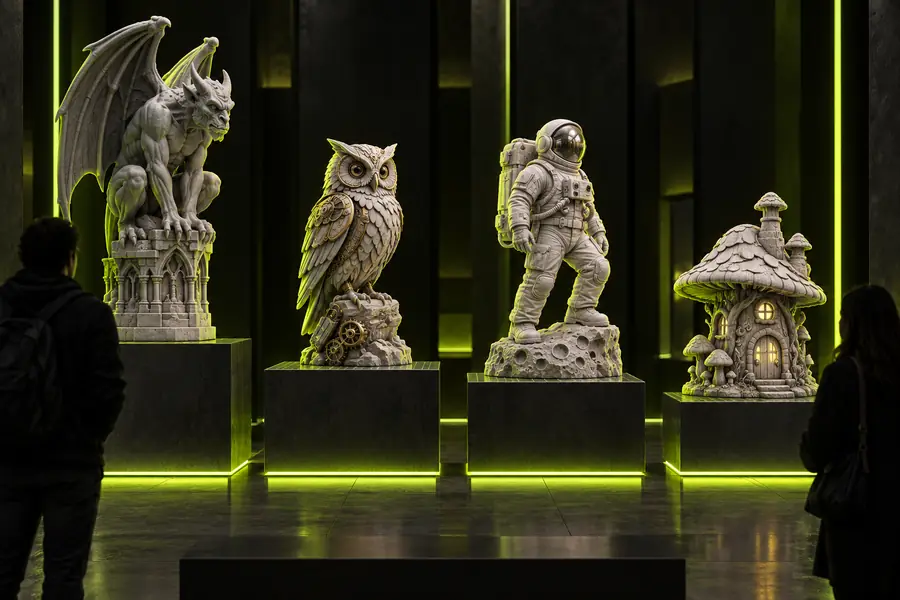
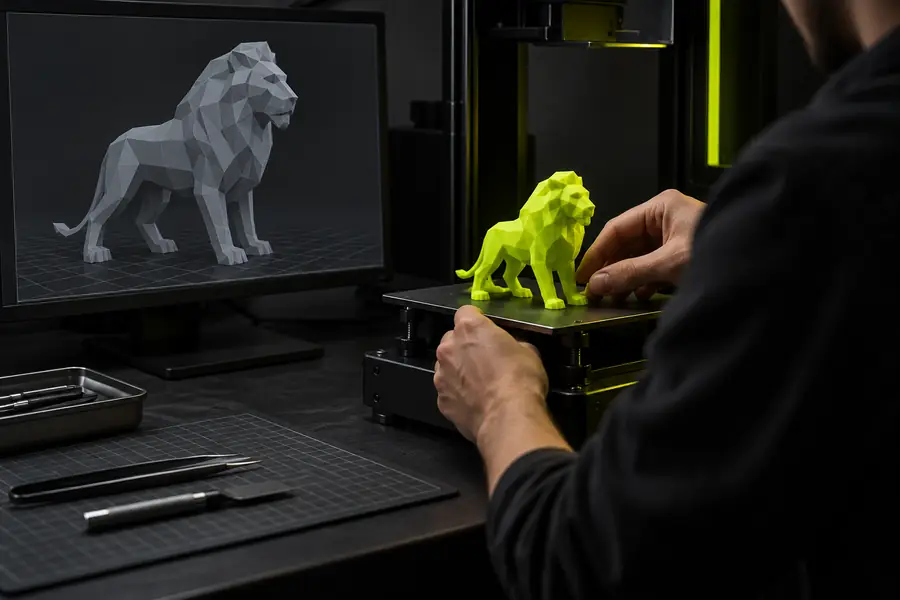
glb to 3mf online

Prototype engineer

A downloaded GLB contains the shape you want to inspect, but your preparation software is centered on 3MF projects.

The conversion creates a practical intermediate file for checking geometry, scale, and print setup before committing to a build.

free glb to 3mf online

3D asset coordinator

A team receives models in several interchange formats and needs a consistent route into a shared 3MF review process.

A repeatable GLB workflow reduces format confusion while keeping the original file available for comparison and re-export.

gltf to 3mf

Educator or workshop lead

Students understand a model in a browser but need to see how a digital asset becomes a fabrication-ready project file.

A documented GLB to 3MF example makes the handoff visible and gives learners checkpoints they can discuss.

What is the difference between 3MF and GLB?

How it works

Three concrete workflows

The same conversion can support different goals. The important part is to define the next tool and inspect the result rather than treating the file extension as the whole workflow.

  1. 1

    Define the destination

    Start with the task after conversion: print preparation, model review, or team delivery. Confirm that the receiving application accepts 3MF and note any requirements for scale, units, textures, or multiple objects.

  2. 2

    Convert the source asset

    Submit the GLB through the conversion route with a clear instruction about the intended use. Keep the original GLB unchanged so you can compare geometry and appearance if the result needs adjustment.

  3. 3

    Inspect and hand off

    Open the 3MF in the next application, check orientation, object placement, dimensions, and visible materials, then pass along the converted file with the original asset and a short note about what was verified.

What changes

Example output

A conversion is best understood as a change in workflow role, not a promise that every source feature will survive identically. Compare the typical strengths before selecting the handoff file.

Source GLB Converted 3MF
Primary role Compact scene and asset exchange Manufacturing and print-oriented project handoff
Typical content Mesh, scene structure, and referenced appearance data Mesh and package information intended for downstream preparation
Browser sharing Often convenient for interactive previews Usually requires a compatible desktop or preparation tool
Print preparation May need an intermediate import step Often a more direct starting point for print workflows
Appearance fidelity Can preserve the source presentation when supported May prioritize fabrication data over the original presentation
Validation need Check source geometry and references Check scale, placement, manifold status, and material expectations
Best handoff practice Retain as the visual or archival source Send with notes about checks and intended downstream use

Know the limits

Compliance notes

These examples describe a practical route, not a guarantee that conversion resolves every modeling or production issue automatically.

1

It cannot repair every mesh

A file conversion may carry a problematic surface into 3MF without fixing holes, flipped normals, self-intersections, or non-manifold edges.

What to do instead

Run the converted model through the receiving tool's validation and repair features before fabrication.

2

It cannot guarantee visual parity

Textures, materials, cameras, lights, and scene effects may not map one-for-one from GLB into a 3MF workflow.

What to do instead

Keep the GLB as the appearance reference and inspect the 3MF as the production handoff.

3

It cannot infer production intent

The route cannot know whether the model should be scaled, hollowed, split, supported, or oriented for a particular machine.

What to do instead

State the intended use and complete preparation in the application that controls the final process.

4

It cannot replace file provenance

A converted package does not prove who created the source, whether its assets are licensed, or whether the model is approved for commercial use.

What to do instead

Record the source, permissions, revision, and inspection status alongside the exported 3MF.

Before and after

Example output

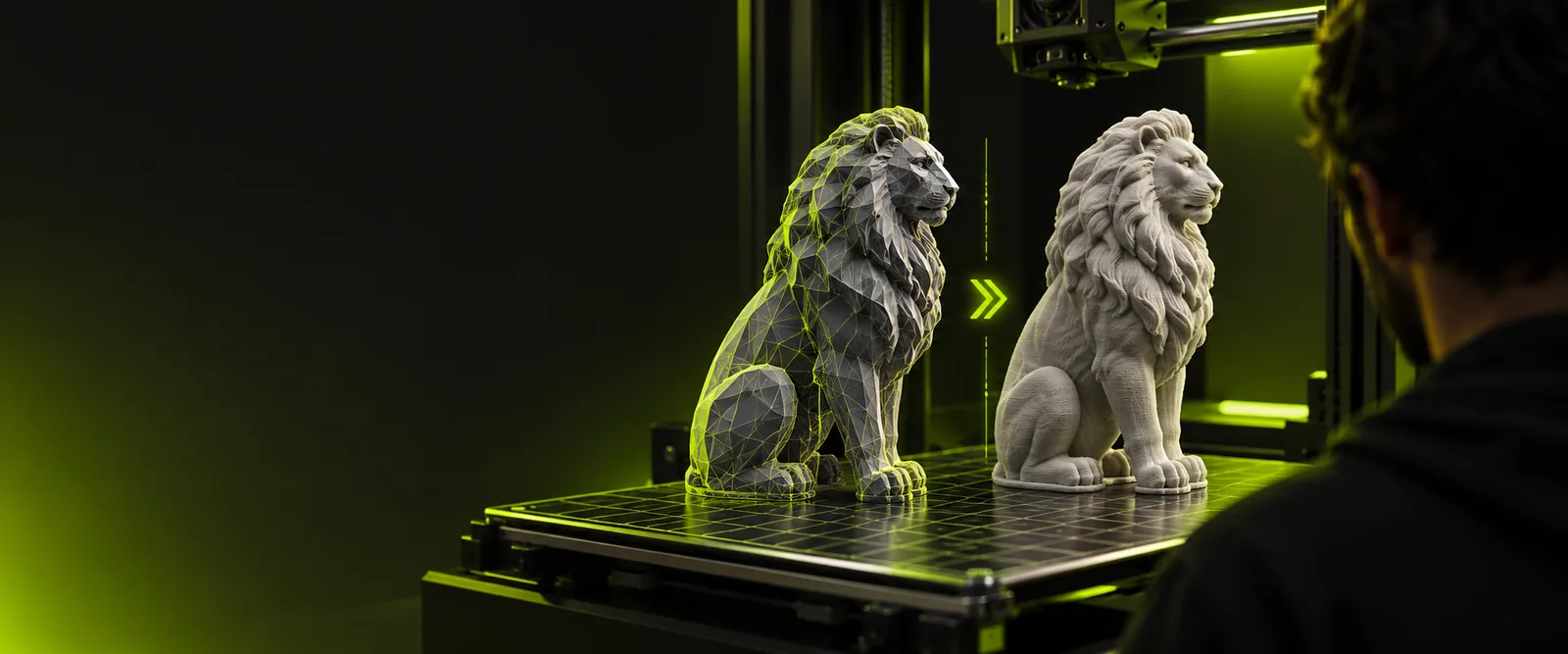
The visual comparison is a reminder to inspect both sides of the handoff: the original scene remains useful, while the converted package serves a different downstream purpose.

GLB model example before conversion
Before: GLB scene asset
3MF workflow example after conversion
After: 3MF handoff

Next step

Turn your scenario into a checked handoff

Use your intended destination as the brief, convert the GLB, and inspect the 3MF before sharing it with a printer, colleague, or preparation tool. A clear input and a documented review make the result easier to trust.

Test the workflow with your model

  • Keep the original GLB for reference
  • Check the 3MF in the receiving application
  • Record any scale, material, or repair decisions
Convert my model

Common questions

Scenario FAQ

These answers focus on practical situations where someone is looking for glb to 3mf examples online and wants to know what the result means for the next step.

They show how a GLB asset can be moved into a 3MF-centered workflow for prototyping, print preparation, review, or team handoff. The most useful example includes a destination tool and a validation step, not only a file extension change.

You can use the converted file as a starting point when your preparation software accepts 3MF. You should still inspect scale, orientation, watertightness, supports, and machine-specific settings before sending anything to production.

No. GLB can carry presentation data that may not map exactly into a 3MF workflow. Keep the original GLB as a visual reference and verify which appearance information the receiving application actually supports.

Check that the model opens, has the expected shape, uses the intended scale, and contains the expected objects. Then inspect placement, surface validity, materials, and any warnings reported by the next application.

Yes. Retaining the original provides provenance and a comparison point if the converted file needs repair or another export. It also preserves the source presentation when the 3MF is optimized for a different downstream task.

Start creating
Start creating